
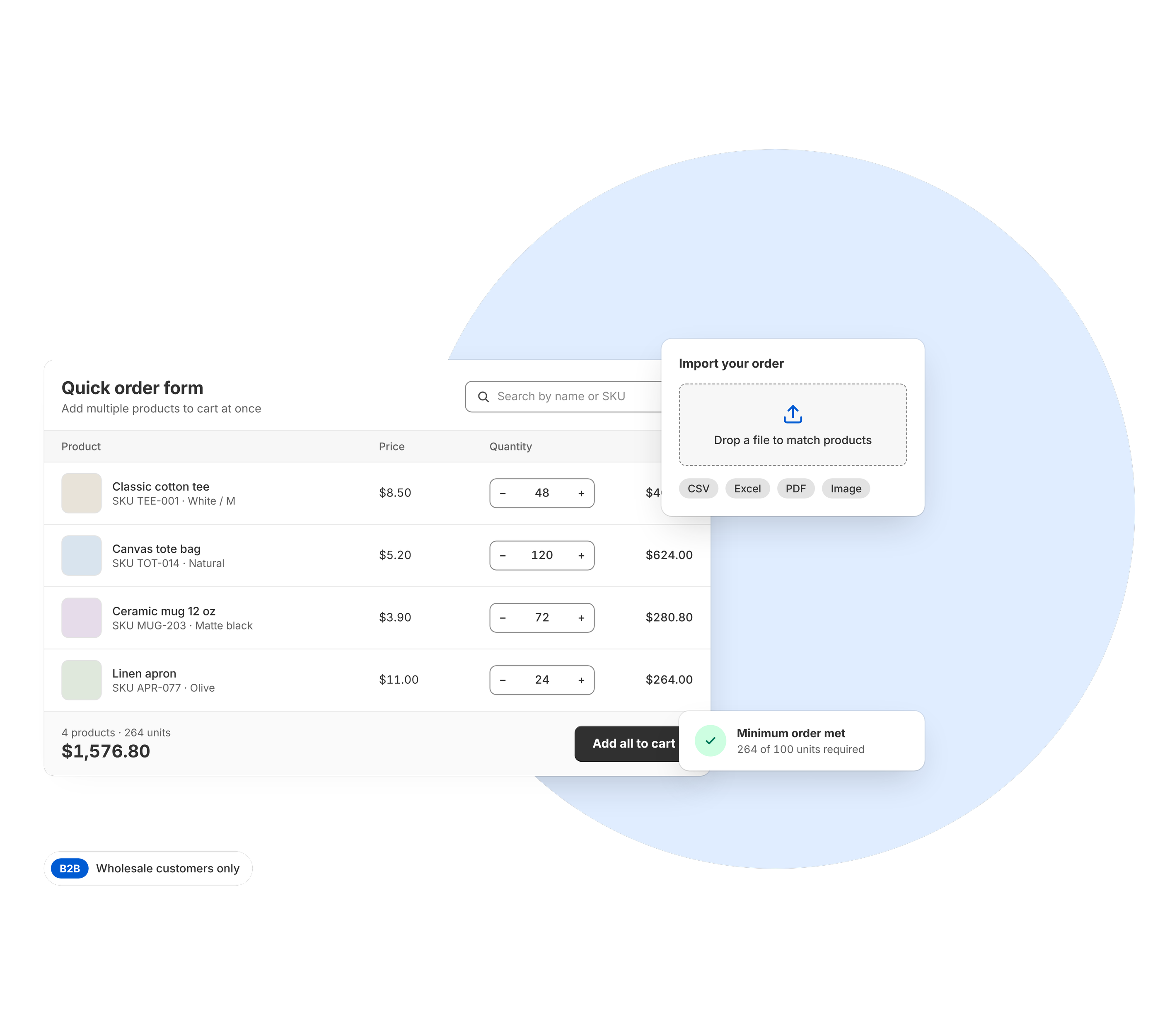
B2B Bulk Order
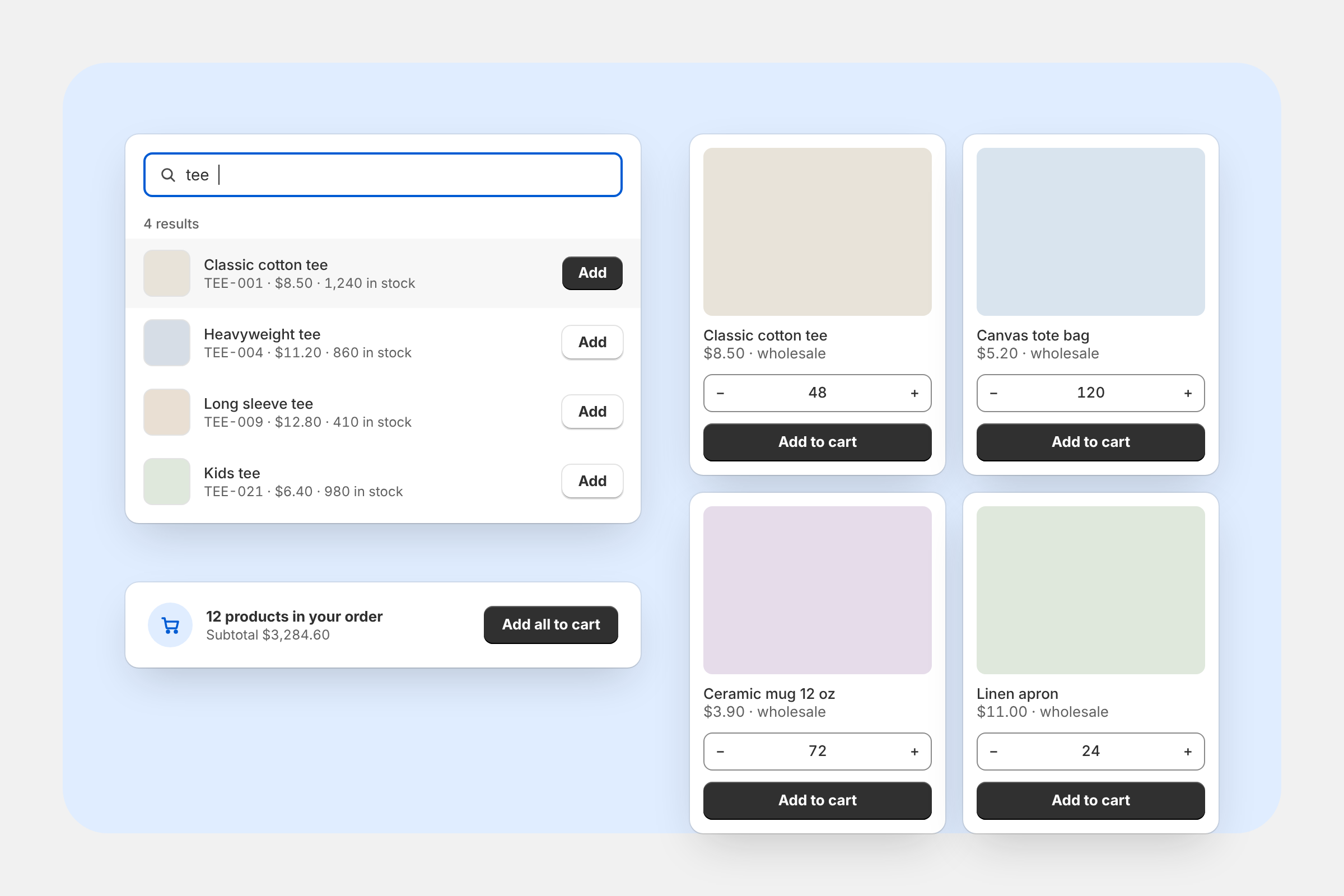
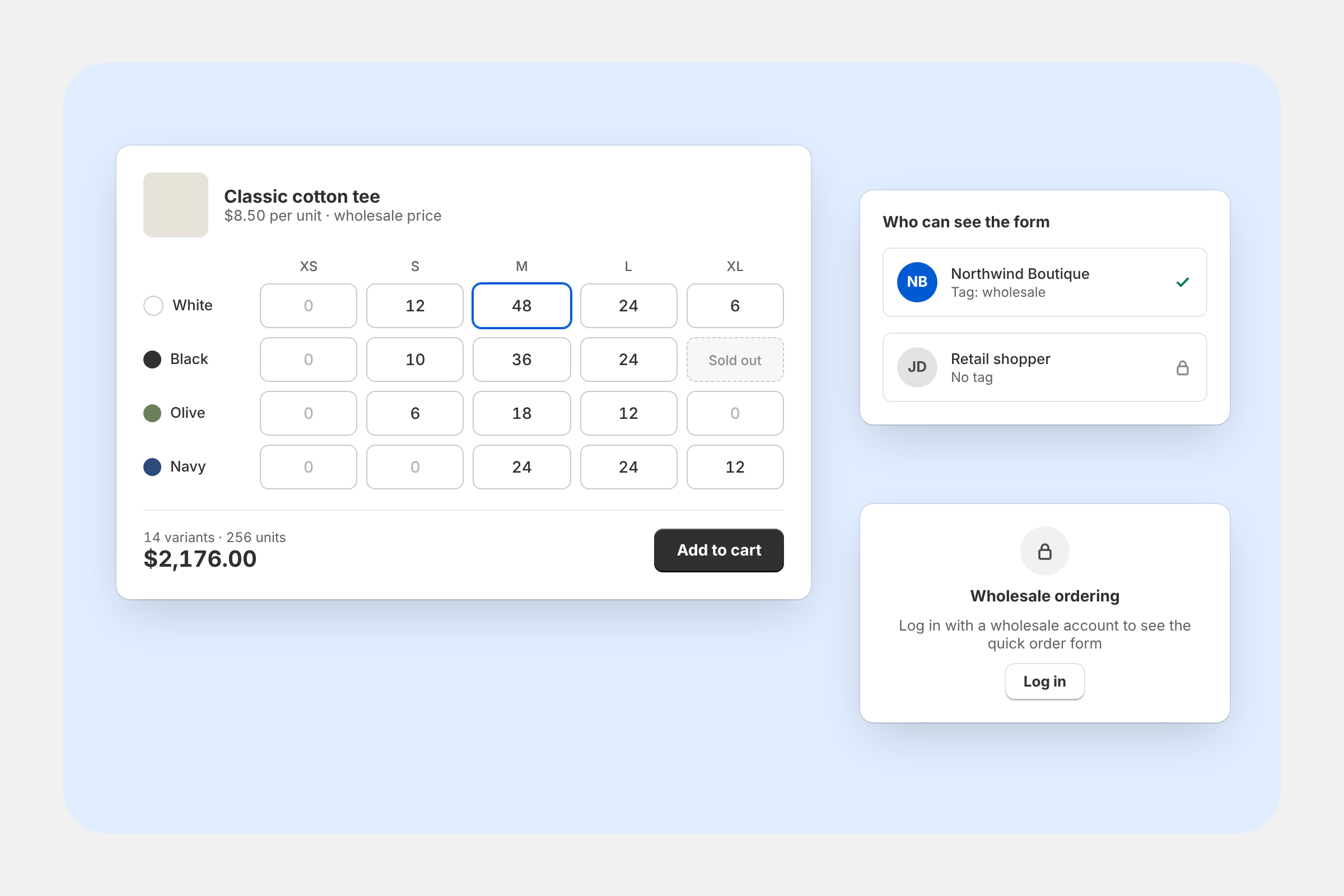
Add a quick order form so wholesale and B2B customers can add multiple products to cart at once.
Ready to grow your Shopify store?
Try Globo apps today — free to install, easy to set up.
Frequently asked questions
Everything you need to know about the product.
Does the app set wholesale or tiered prices?
No. Globo B2B Bulk Order doesn’t calculate prices: it adds products to the cart at the prices your store already charges
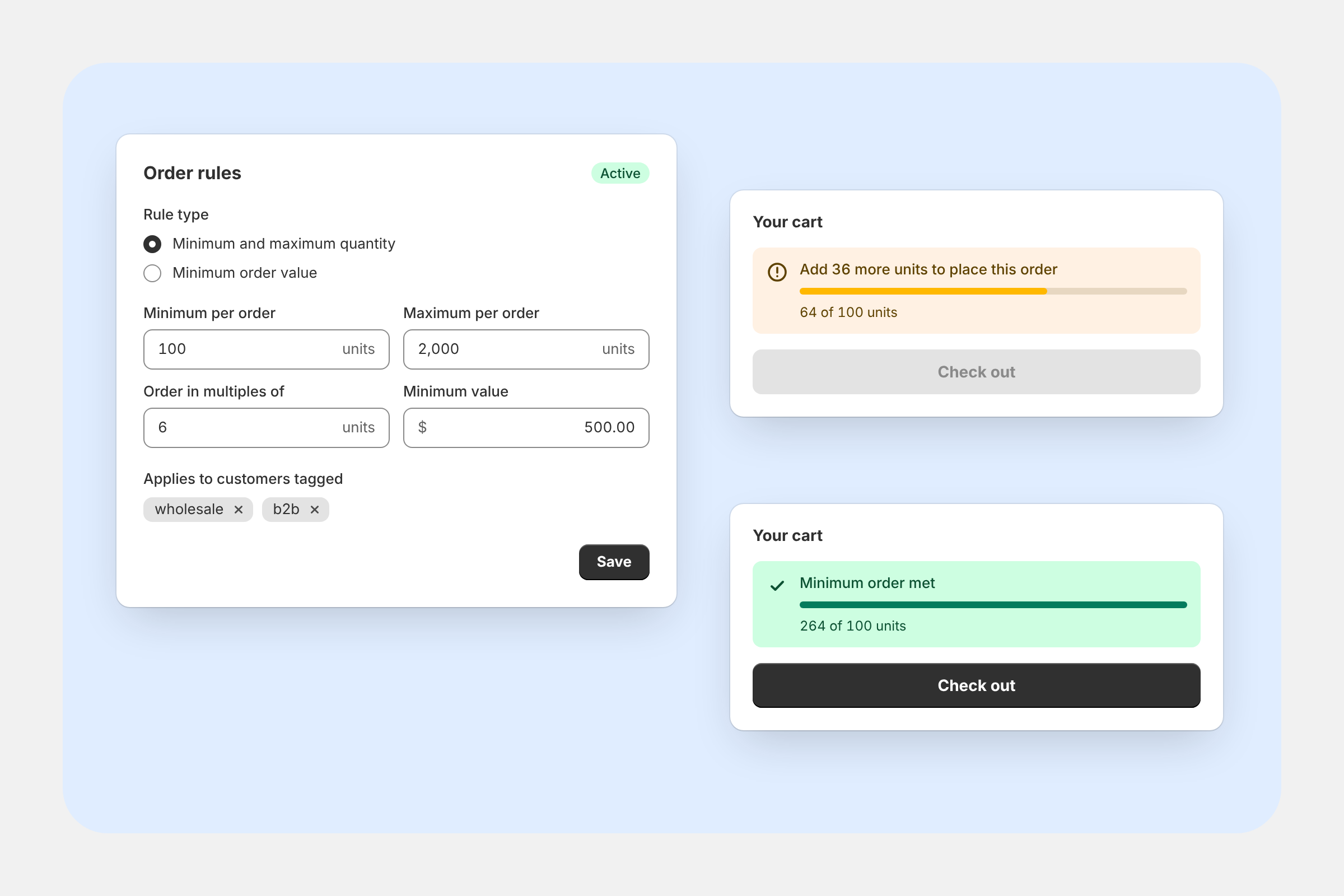
Can I set a minimum order quantity?
Yes, in the Variant Table. Its Advanced restrictions include minimum and maximum quantities, quantity steps, pack sizes and order values. See Set quantity rules.
The Quick Order form and Collection Quick Order don’t have quantity rules. They only limit quantities to the available stock.
Do I need Shopify Plus or Shopify B2B?
No. The app doesn’t check your Shopify plan, and none of its tools are reserved for Shopify Plus.
Does it work with Shopify B2B companies?
Visibility rules use customer tags and login status, not B2B companies. To show a tool to a company’s buyers, give those customers a tag and target it.
Does it slow down my store?
The app loads one small script in your theme. If you have no Active forms or tables, it stops right away. Otherwise it loads only the code for the tools on the current page. Settings come from data already in your store, and product details come straight from Shopify.
Can buyers order from a spreadsheet or a purchase order?
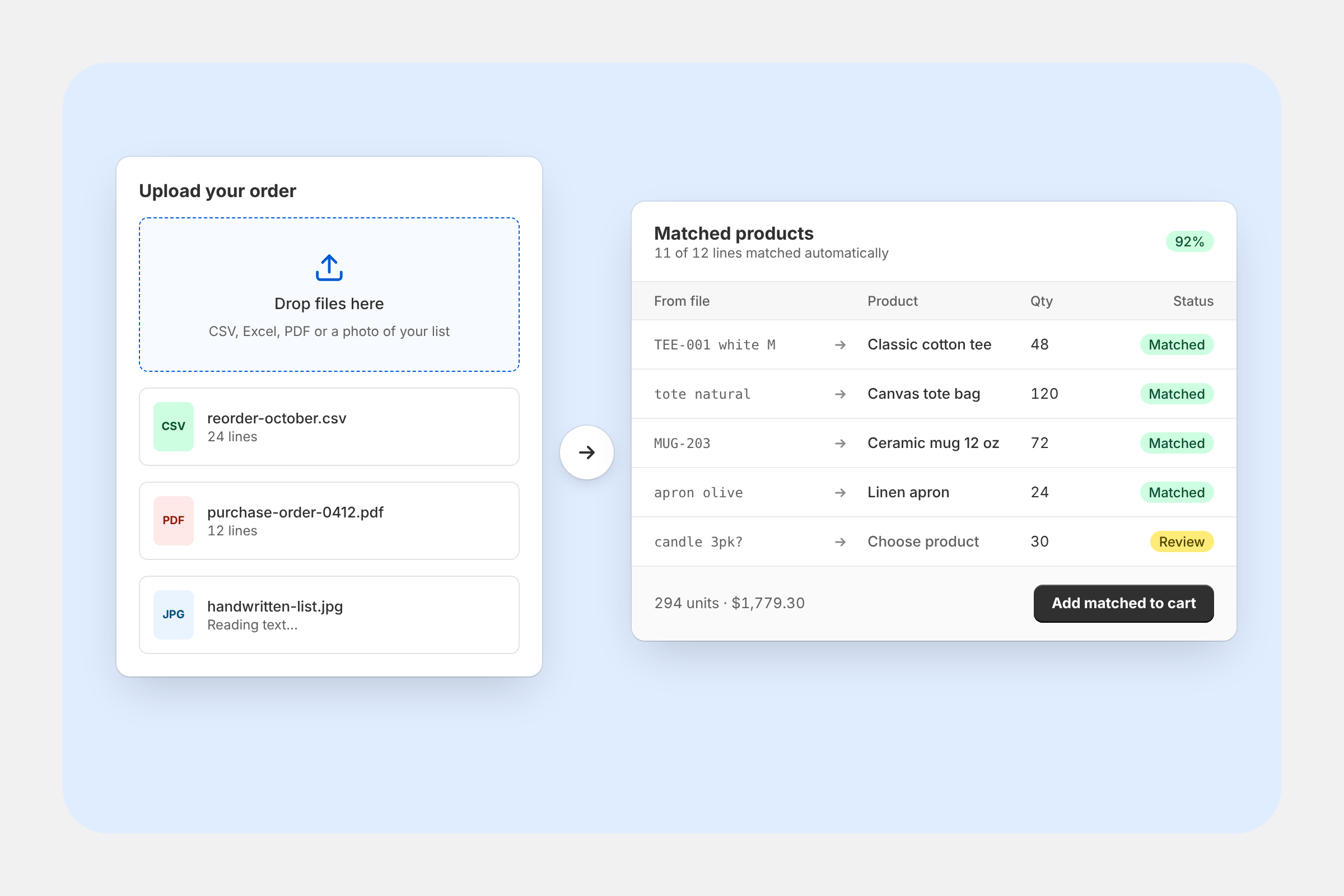
Yes, with the Quick Order form’s Bulk order button. Buyers can upload a CSV, Excel, PDF or image file, or paste SKUs with quantities, check the matched items and add them all at once
Where does the buyer's PO number go?
In the bulk order review, buyers can fill in PO / Order # (optional). It’s filled in for them when the app finds a PO number in an uploaded PDF or image. Once items are added, the number is saved on the order as Customer PO # (under Additional details) and as a Customer PO #: … line in the order note.
Can buyers reorder a past order?
Yes. Turn on Order export. Buyers download the order as a CSV file from their customer account, then upload it to a Quick Order form that has file upload turned on. Keep the SKU (or Barcode) and Quantity columns in the export, which they are by default. Also make sure the form includes the products, because only the form’s own products can match.